
How to use this worksheet
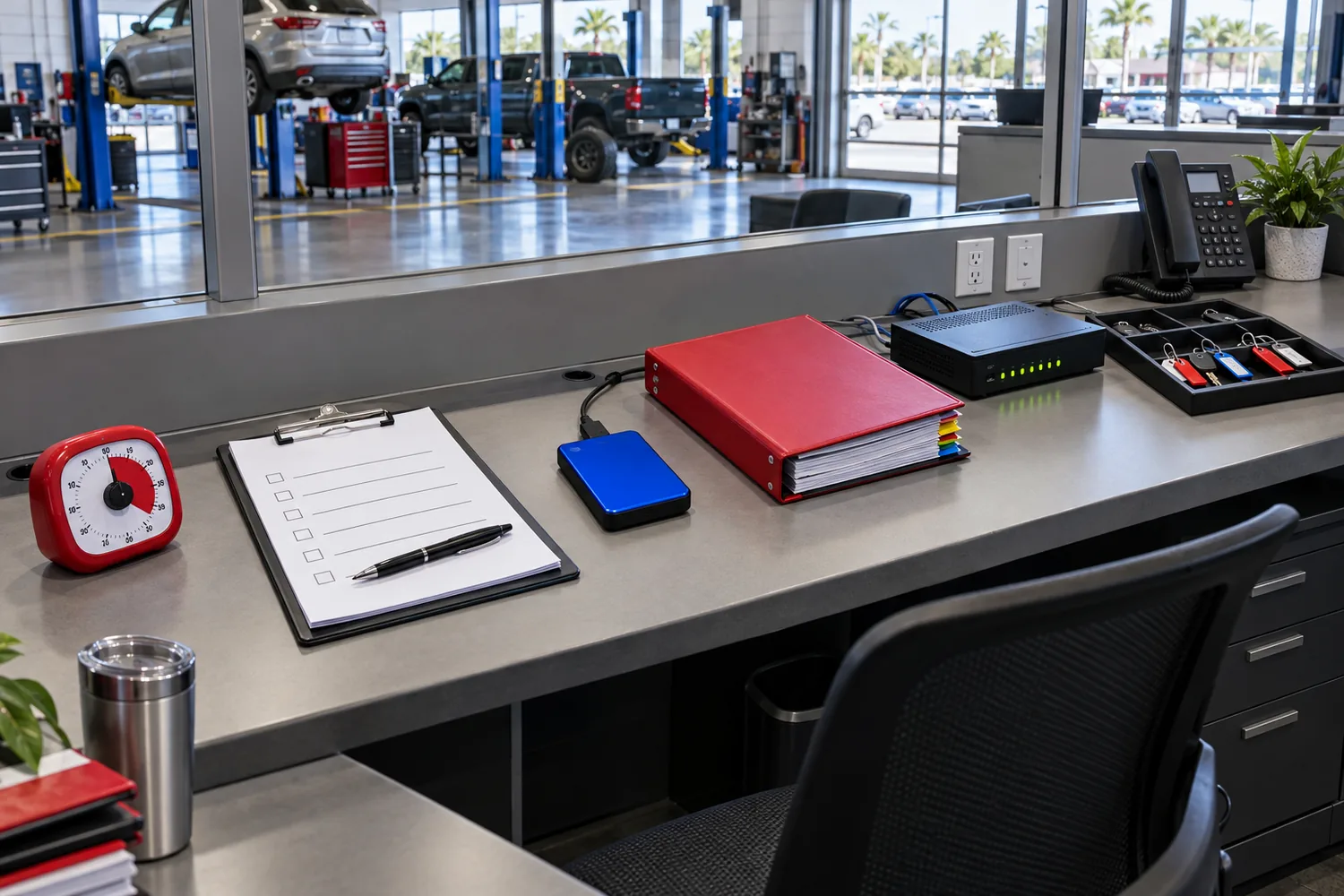
Set a timer for 30 minutes. The objective is not to prove that the office is secure. The objective is to identify what is known, what is missing, and what deserves a follow-up decision.
Use one sheet per office or business unit. Mark each item Yes, No, Unknown, or Not Applicable. Do not paste passwords, recovery codes, medical information, financial account numbers, or other sensitive content into the worksheet. Record the location of evidence, not the secret itself.
This worksheet is informed by the NIST Cybersecurity Framework 2.0 small-business guidance, FTC small-business recommendations, and CISA incident-response guidance. It is a management tool, not a certification, penetration test, legal opinion, or compliance determination.
Minutes 0–5: ownership and critical operations
- Is one person named as the business decision owner for cybersecurity?
- Is there a second person who can act if the primary owner is unavailable?
- Are the three most important business services written down?
- Does the office know which systems support those services?
- Is there a current list of IT, cloud, payroll, payment, insurance, and legal contacts?
- Is at least one emergency contact method available outside the company email system?
Evidence to note: owner name, date reviewed, location of contact list, and the systems considered critical.
If these answers are Unknown, do not begin by shopping for more tools. First establish ownership and an operating map.
Minutes 5–12: identity and access
- Is multifactor authentication enabled for business email?
- Is it enabled for remote access, financial systems, payroll, and administrator accounts?
- Are administrator accounts separate from ordinary day-to-day accounts?
- Can the office identify current users, contractors, service accounts, and shared accounts?
- Has access been removed for former employees and inactive vendors?
- Are mailbox forwarding rules, delegates, and application permissions reviewed after a suspicious sign-in?
- Are passwords unique rather than reused across business and personal services?
- Does the office use a controlled password manager instead of shared spreadsheets or sticky notes?
Evidence to note: date of the last access review, identity platform report, offboarding ticket, or vendor confirmation. Do not record passwords or authentication secrets.
If multifactor authentication is unavailable, document the limitation and prioritize the highest-impact accounts. Ask the vendor whether stronger authentication methods are supported and what compensating controls are available.
Minutes 12–19: devices, updates, and data
- Is there an inventory of laptops, desktops, phones, tablets, network equipment, printers, and important cloud services?
- Are operating systems, browsers, applications, and security tools receiving updates?
- Are business and guest Wi-Fi networks separated?
- Are sensitive files limited to people who need them?
- Are laptops and removable devices protected if lost or stolen?
- Does the office know where sensitive information is stored and who administers it?
- Are obsolete devices and accounts retired rather than left connected?
Evidence to note: device inventory date, patch report, storage locations, and the person responsible for reviewing exceptions.
A “yes” should mean the office has a repeatable process or visible evidence, not merely a general belief that a vendor probably handles it.
Minutes 19–25: backup and recovery
- Are critical files and systems included in a documented backup plan?
- Are backups completing successfully rather than merely being configured?
- Is at least one backup copy protected from ordinary account or network compromise?
- Has the office restored a file or system recently?
- Does anyone know the order for restoring email, identity, documents, phones, payment services, and line-of-business applications?
- Are software installers, licenses, recovery instructions, and vendor contacts available if the primary environment is unavailable?
Evidence to note: most recent successful backup, most recent restore test, recovery time observed, and unresolved dependency.
The FTC advises businesses to back up important files regularly. CISA’s ransomware guidance emphasizes preparation, isolation, and recovery. Neither source says that a backup exists merely because a dashboard displays a green status. The office should verify that useful information can be recovered.
Minutes 25–30: response and decision record
- Does the staff know how to report a suspicious email, unexpected authentication prompt, lost device, or payment-change request?
- Is there a written first-hour sequence for a suspected compromise?
- Does the plan identify who can disable an account or disconnect a device?
- Are the bank, cyber insurer, IT provider, legal contact, and reporting routes known?
- Does the office know how to preserve emails, screenshots, logs, and payment records?
- Has the plan been discussed with the people expected to use it?
Evidence to note: plan location, last exercise date, escalation contacts, and any missing authority.
For suspected ransomware, CISA recommends isolating affected systems and following the organization’s approved incident response and communications plan. For suspected cyber-enabled fraud, the FBI directs victims to report to IC3 and notes that rapid reporting may support investigative and recovery efforts. Contact the bank immediately when money may have moved.
After the timer stops
Create three short lists:
- Fix now: an issue that creates immediate exposure or blocks response.
- Schedule: an important improvement that needs planning or budget.
- Verify: an assumption requiring confirmation from a vendor, insurer, attorney, or regulator.
Assign an owner and due date to each item. Avoid writing “IT” as the owner unless a specific person or provider has accepted the task. Review the worksheet monthly for the first quarter, then adjust the schedule to match the office’s risk and change rate.
Interpreting the result
A worksheet with many Unknown marks is not a failure. It is evidence that the office has not yet made certain decisions visible. A worksheet with all Yes marks is not proof that the business cannot be compromised. It indicates that the office has documented a baseline that can be tested and improved.
Confirmed: NIST’s CSF 2.0 includes Govern, Identify, Protect, Detect, Respond, and Recover; the FTC recommends updates, backups, access controls, multifactor authentication, training, and incident planning; CISA recommends an exercised response plan and rapid isolation for ransomware situations.
Uncertain: the worksheet cannot determine whether a business satisfies a specific law, contract, insurance policy, or industry standard. It also cannot assess the quality of a vendor’s implementation without reviewing configurations and evidence.
Use the completed sheet as a conversation starter with the person who manages technology and with professional advisors when the business handles regulated or highly sensitive information.