
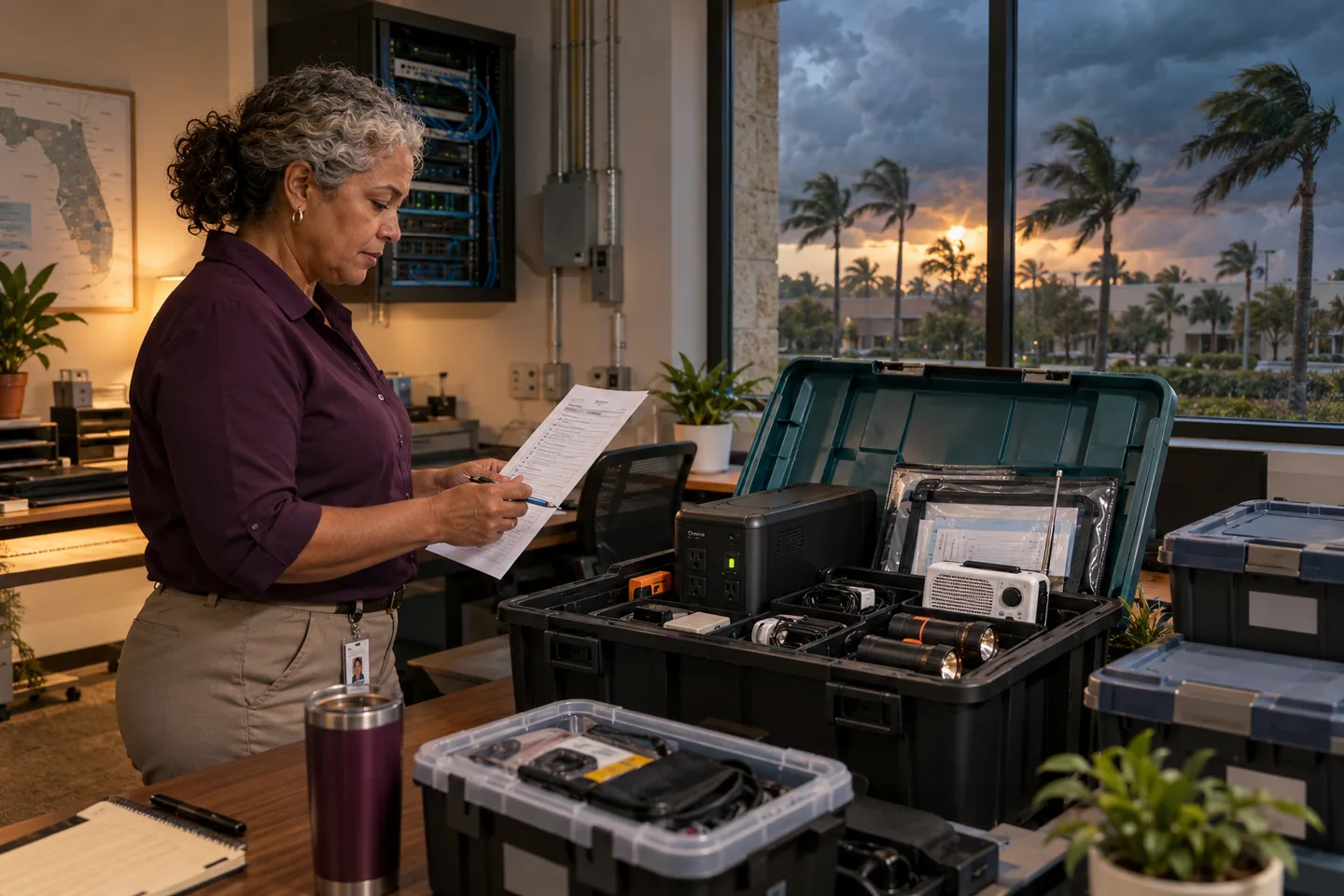
Hurricane readiness is still relevant in October
The Atlantic hurricane season runs through November 30. NOAA notes that activity varies from year to year and that dangerous storms can occur throughout the season. For Central Florida businesses, the operational threat is broader than wind at the office. A storm can interrupt commercial power, internet service, mobile networks, building access, transportation, employees' home connectivity, and vendors located elsewhere in the state.
A useful continuity plan therefore begins with business services rather than technology products. Identify what must keep working, what can pause, who can authorize emergency changes, and how the organization will communicate when its normal tools are unavailable.
Ready.gov's Ready Business program recommends planning for communications, IT support and recovery, continuity, training, and exercises. The following checklist turns those themes into a small-business technology workflow. It does not replace instructions from emergency-management officials, life-safety planning, insurance guidance, or professional advice.
Seven days or more before a threat
1. Name the decision team
List the owner or executive, operations lead, IT provider, facilities contact, payroll or finance contact, and a backup for each role. Record mobile numbers and a personal email address or other approved alternate channel. Store the list somewhere accessible without the company network.
Define who can authorize office closure, remote work, equipment shutdown, emergency purchases, vendor changes, public messages, and restoration priorities. The plan should not depend on one person being reachable.
2. Rank critical business services
Write down the functions needed to serve customers and protect people: phones, email, scheduling, electronic records, payment processing, dispatch, estimating, file access, payroll, remote access, security systems, and vendor portals. Assign each a recovery priority and a maximum acceptable interruption.
Then map the dependencies. A cloud application may still be available while employees cannot reach it because the office firewall, identity provider, phone used for multifactor authentication, or internet connection is unavailable.
3. Verify backups with evidence
Check which data and systems are backed up, how often, how long copies are retained, and whether the backup can be reached with ordinary user credentials. Confirm that at least one protected recovery path is not exposed to the same ransomware, account compromise, or physical event as the production environment.
Perform a representative restore before a storm is near. Record the date, item restored, elapsed time, result, and corrective action. A successful backup notification is not the same as a successful restoration.
4. Review identity and remote access
Confirm multifactor authentication for email, remote access, cloud administration, finance, and other high-impact accounts. Make sure recovery methods and emergency administrator credentials are controlled, current, and available to authorized people. Remove former employees and unused vendor accounts.
Test remote work from outside the office using the equipment and connection staff will actually use. Do not introduce an unfamiliar remote-access tool during an emergency unless it has been reviewed, secured, and approved.
When a storm enters the planning window
5. Follow official forecasts and local instructions
Use the National Hurricane Center, National Weather Service, and local emergency-management authorities for forecasts, watches, warnings, evacuation decisions, and safety instructions. The National Hurricane Center explains that its Tropical Weather Outlook provides formation potential, while watches and warnings communicate different hazards and time frames.
Do not make business decisions from an unsourced social-media graphic. Designate one person to record the official source, update time, and operational decision so staff receive a consistent message.
6. Protect equipment without risking people
If there is adequate time and it is safe, shut down nonessential systems according to vendor instructions, move portable equipment away from windows and low areas, photograph key equipment for records, and protect devices from water. Verify that network equipment, phone systems, and required local servers have appropriate surge protection and battery backup.
A battery backup provides limited runtime; it is not a substitute for a generator or orderly shutdown plan. Never place generators indoors or operate electrical equipment in unsafe conditions. Life safety and official evacuation instructions take priority over technology.
7. Prepare for communications failure
Create a short employee message that states whether the office is open, who should report, which channel will carry updates, and when the next update will arrive. Establish an alternate method such as a text tree, approved messaging service, or recorded phone line.
Prepare customer-facing messages for delays, temporary closure, alternate service, and reopening. Do not disclose sensitive incident or security details. Keep website, domain, social-media, and phone-system administrative access available to authorized backups.
8. Confirm vendor responsibilities
Ask the IT provider, internet carrier, cloud providers, phone vendor, building management, and other critical suppliers how support will work during regional disruption. Record account numbers, support contacts, escalation paths, and contractual limitations.
For cloud and managed services, clarify which recovery tasks belong to the provider and which belong to the customer. A provider's resilience does not automatically restore customer devices, identity access, local connectivity, or deleted data.
During an outage
Use the predetermined communication channel and keep a decision log. Record service failures, safety issues, vendor ticket numbers, actions taken, approvals, and expected next updates. Avoid repeatedly changing configurations in an attempt to restore service; undocumented emergency changes can create security gaps and complicate recovery.
If unusual login alerts, suspicious messages, unexpected payment requests, or disabled security tools appear during the disruption, treat them as possible security events. Criminals may exploit urgency and reduced staffing. Verify financial and account changes through a known secondary channel.
CISA advises leaders to identify systems supporting critical business functions and test continuity so those functions can remain available after disruption. That principle applies whether the trigger is severe weather, a cyber incident, or both.
Reopening and recovery
Before reconnecting equipment, check for water, heat, electrical, and physical damage. Follow building officials, utilities, manufacturers, and qualified professionals. Restore the highest-priority services in the documented order rather than powering on everything at once.
Validate access, email, phones, critical applications, backups, endpoint protection, network monitoring, and financial workflows. Watch for configuration changes or account activity that occurred during the outage. Tell employees which systems are approved for use and where to report problems.
After operations stabilize, hold a brief review. Record what failed, what worked, actual recovery times, missed dependencies, supplier performance, and assigned improvements. Update the contact list and continuity plan while the experience is still fresh.
A compact owner checklist
Before the next threat, confirm that the business has:
- Two authorized decision-makers and an offline contact list.
- A ranked list of critical services and their dependencies.
- A recent, documented restore test.
- Tested multifactor authentication and remote access.
- An employee and customer communication plan.
- Written vendor escalation contacts and responsibilities.
- A safe equipment shutdown and restart procedure.
- A decision log and post-event review process.
The goal is not to predict every storm effect. It is to remove avoidable uncertainty, protect people, and give the business a tested path back to service.
This article is educational and is not emergency-management, legal, insurance, electrical, safety, or incident-response advice. Follow official instructions and qualified professionals.