
Why emergency access accounts exist
Microsoft 365 administration depends on Microsoft Entra ID. If normal administrators cannot sign in because of a Conditional Access mistake, authentication outage, device loss, staffing change, federation problem, or regional disruption, the organization may be unable to manage users, security settings, email, applications, and recovery actions.
Microsoft recommends maintaining two or more cloud-only emergency access accounts for scenarios in which normal administrative accounts cannot be used. These accounts are commonly called break-glass accounts. They are not backup accounts for convenience. They are highly privileged recovery paths that should remain unused except during an authorized test or a real emergency.
This distinction is important for Central Florida organizations. A hurricane, commercial power failure, mobile-network interruption, or loss of access to an office can expose dependencies that were invisible during normal operations. An emergency account should avoid the same failure paths as routine administration while still receiving strong protection.
What Microsoft currently recommends
Microsoft's emergency-access guidance says organizations should maintain at least two emergency accounts for redundancy. The accounts should be cloud-only, use the tenant's onmicrosoft.com domain, and avoid dependency on an on-premises or federated identity provider. Microsoft recommends phishing-resistant authentication, such as passkeys using FIDO2 security keys or certificate-based authentication where appropriate.
The accounts should hold a permanent active Global Administrator assignment because an emergency account that requires approval or activation could fail when approvers or identity services are unavailable. This is an intentional exception to normal least-privilege and just-in-time administration. Because the exception carries substantial risk, it must be balanced with strict separation, physical protection, monitoring, and testing.
Licensing, authentication options, tenant design, and available monitoring vary. An organization should verify Microsoft's current documentation and its own environment before implementing changes.
Build the accounts without creating a new daily-use risk
1. Create two independent cloud-only identities
Use dedicated accounts that are not synchronized from local Active Directory and are not tied to a specific employee. Give them names that clearly indicate emergency use without publishing sensitive details outside the administration team.
Do not use either account for email, Teams, browsing, vendor portals, or ordinary administrative work. Do not license services the account does not need. The fewer routine activities attached to the identity, the easier it is to treat any activity as exceptional.
2. Choose authentication with different dependencies
If normal administrators depend on mobile push notifications, an emergency account should not rely on the same phone, app, cellular carrier, or approval chain. Microsoft recommends phishing-resistant methods and specifically identifies FIDO2 security keys or certificate-based authentication as options.
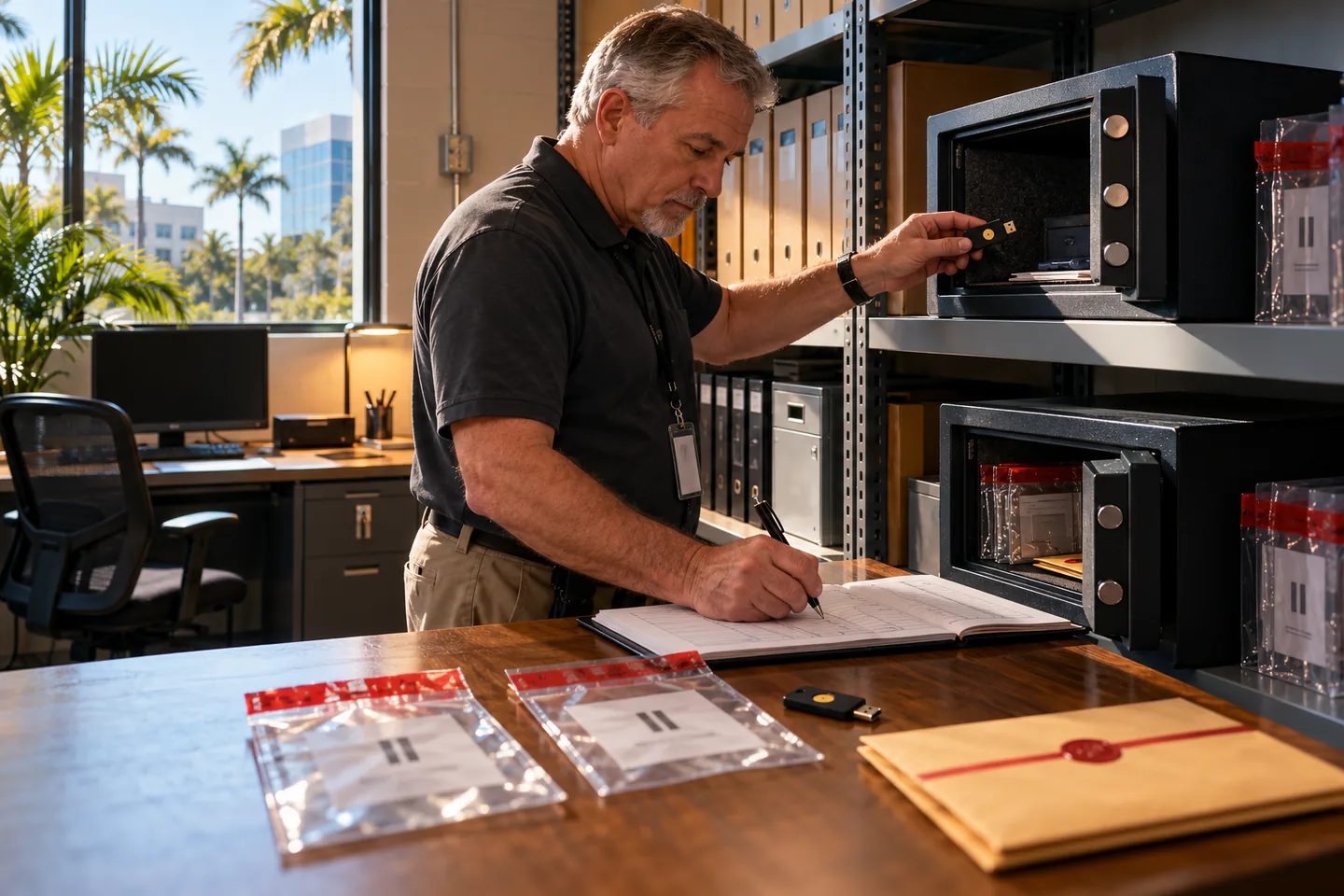
Provision credentials carefully and verify that they will not expire or be removed by automated cleanup. Store duplicate authorized credentials in separate secure, fire-resistant locations. Document who can access them and under which circumstances. Do not photograph, email, or place recovery secrets in an ordinary shared document.
3. Handle Conditional Access deliberately
Microsoft advises excluding emergency accounts from Conditional Access policies that block or restrict sign-in. Otherwise, a policy requiring a compliant device, location, approval, or unavailable authentication method might lock out the very account intended to restore access. Report-only policies do not block access and do not require the same exclusion.
The exclusion should be explicit and reviewed whenever Conditional Access policies change. It should not be copied to routine administrators. The emergency account remains protected by its dedicated phishing-resistant authentication, controlled credentials, secure workstation, monitoring, and limited use.
4. Use a designated secure workstation
Microsoft recommends using a designated secure workstation or privileged access workstation for emergency-account activity. Prepare the workstation before an incident. Keep it patched, protected, documented, and available without depending on the same office or network path as the primary administration environment.
For Central Florida continuity planning, consider whether authorized staff can reach the device and credentials if a building is closed. Any alternate arrangement should maintain physical security, accountability, and at least two independent network paths where practical.
Monitor every sign-in and every change
A healthy emergency account should normally have no activity. Microsoft recommends high-priority alerts for sign-ins and for changes to credentials, authentication methods, permissions, or roles. Send alerts to more than one responsible person and to a channel that does not depend entirely on the affected tenant.
Retain the account object IDs and document how monitoring is configured. Test the alert during scheduled validation. If the account signs in outside an approved exercise, treat it as a high-priority security event. Preserve the sign-in and audit logs, confirm who used the account, review every administrative action, and activate the incident-response process if authorization cannot be established.
Test the recovery path at least every 90 days
Microsoft's guidance calls for regular validation, including at least every 90 days and after important changes such as administrator turnover or subscription changes. A useful test should demonstrate more than a successful password entry.
Record whether each account can:
- Authenticate using its intended emergency credential.
- Reach the Microsoft Entra administration environment from the designated workstation.
- Bypass only the expected blocking Conditional Access policies.
- Generate the planned high-priority alerts.
- Perform a harmless, pre-approved administrative validation.
- Sign out cleanly and leave a complete audit trail.
Document the date, tester, approver, account used, workstation, network path, result, alert delivery, observed problems, and corrective action. Avoid making unnecessary tenant changes simply to prove privilege.
After a real emergency use, conduct a post-incident review. Determine why normal access failed, which actions were performed, whether the emergency credential may have been exposed, and whether credentials, safe access, monitoring, policies, or documentation must change.
Keep everyday administration separate
Emergency accounts do not solve excessive privilege in routine operations. Microsoft recommends least-privilege roles for normal tasks, multifactor authentication for administrators, access reviews, and Privileged Identity Management where licensing and design support it.
Review who holds Global Administrator and other privileged roles. Use narrower roles for Exchange, SharePoint, Teams, Intune, billing, user support, and security tasks when they meet the business requirement. Remove former staff, stale guest administrators, unused service identities, and unnecessary standing assignments.
The intended pattern is two tightly controlled emergency paths plus well-governed daily administration—not a large collection of permanent Global Administrators.
A small-business owner checklist
Before declaring the break-glass plan ready, confirm that:
1. Two independent cloud-only emergency accounts exist.
2. They are reserved exclusively for emergency access and approved testing.
3. Authentication is phishing-resistant and avoids routine-admin dependencies.
4. Credentials are secured in separate authorized locations.
5. Blocking Conditional Access policies explicitly exclude the accounts.
6. A designated secure workstation and alternate connectivity plan exist.
7. Every sign-in and account change generates a high-priority alert.
8. A named owner schedules and records validation at least every 90 days.
9. Staff changes trigger a review of credentials, physical access, and monitoring.
10. Each real use receives an administrative and security postmortem.
An emergency account is valuable only if it works when ordinary access fails and remains quiet at every other time. Treating it as a controlled continuity system—not merely another username—makes that balance visible and testable.
This article is educational and is not a substitute for tenant-specific security engineering, legal, compliance, insurance, or incident-response advice.